Browser Automation Inside Sandboxed Agent Environments
Agents need real computers—not just containers—to drive browsers reliably.

Browser automation inside sandboxed agent environments needs a real computer the agent can drive as well as a place to execute code. A full, isolated VM can provide the browser, networking, session state, and verification tools that stripped-down execution environments omit. Dependability comes from configuring those capabilities together, with security controls that contain the agent without disabling its work.
Why browser automation breaks when the environment is wrong
An authentication flow succeeds, but the next browser action loses the session and returns to the login page. The agent may have followed the correct sequence. Its execution environment lost the state it needed to follow that sequence. Similarly, a page can return an empty DOM when the environment cannot execute the JavaScript that renders its content.
These failures do not establish that the model is weak. Stripped-down containers used for code execution may omit the browser binary, display server, persistent filesystem state, or network access that browser workflows need. Without those facilities, an agent cannot reliably install dependencies, follow redirects, maintain authentication, or inspect rendered output. A script that passes in CI can therefore fail in production when its execution context changes.
What a sandboxed VM actually provides that a container does not
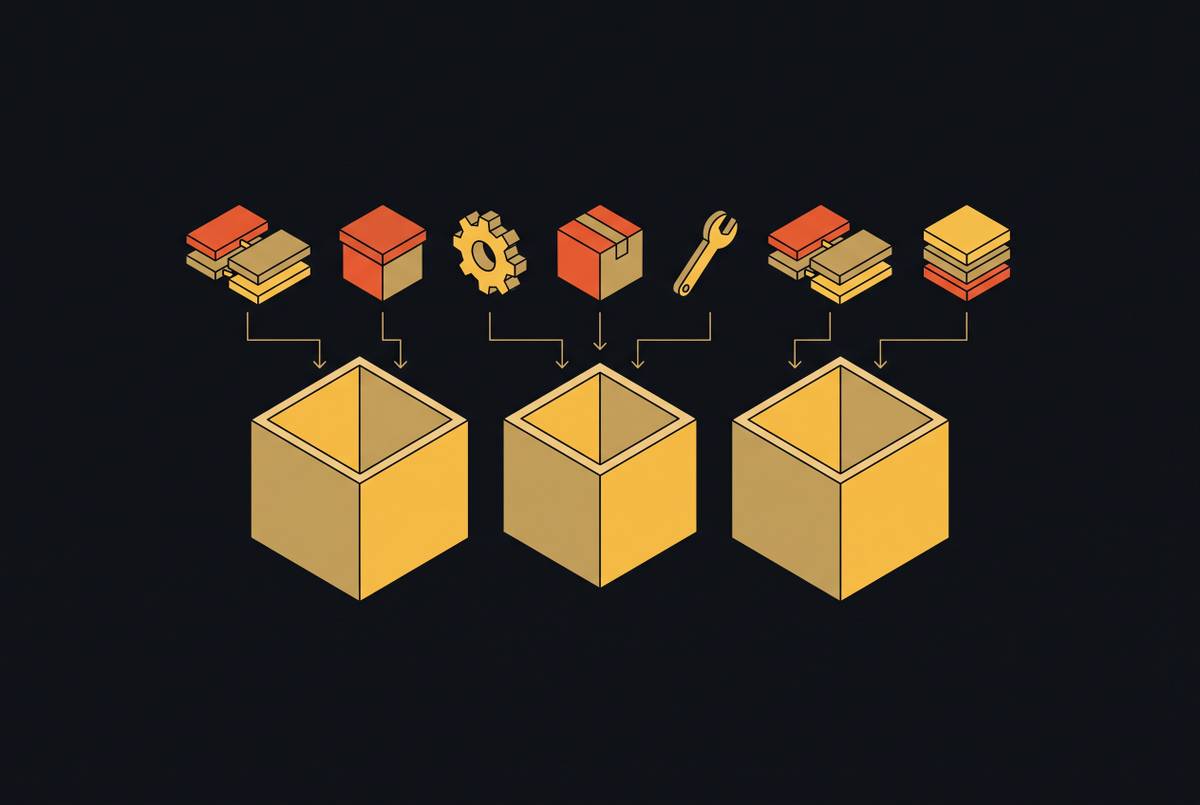
A full VM-backed sandbox gives the agent its own kernel, networking stack, filesystem, and room to install and run software, including a browser and display server. The isolation boundary separates that work from the host. Within the sandbox, the agent can install packages, bind a local server to a port, and preserve files across steps in the same session. A computer can usually do these things, but a minimal code-execution environment may lack them.
Containers are not categorically unsuitable for browser automation. Docker without extra hardening shares the host kernel, and how the container is configured sets which processes, display facilities, and network interfaces it has. A stripped-down container and a browser-ready environment are therefore different propositions. A useful comparison looks beyond the packaging label to what the agent can use and how strong the isolation boundary is.
Sandbox implementations also use different mechanisms to establish that boundary. Modal’s sandbox documentation describes gVisor isolation with additional logic to prevent malicious system calls. That is distinct from giving each workload its own kernel. For browser tasks, the practical requirement remains a properly isolated environment that can run Chromium, expose the Chrome DevTools Protocol, execute JavaScript, and preserve authenticated state while the agent inspects rendered output.
The two architectural patterns for running a browser agent inside a sandbox
In the agent-inside pattern, the agent logic, browser binary, and generated code run in the same isolated environment. This is easier to start with for internal coding agents whose teams control both the agent and the target application. The browser and display stack must be pre-loaded or installable. Credential handling becomes part of the sandbox lifecycle because credentials needed for setup must enter that environment.
Codex Cloud (Legacy) documentation describes one such lifecycle, in which setup scripts can use secrets that are removed before the agent phase begins. That policy is specific to the legacy environment. It does not describe the credential model of Current Codex Cloud. Placement also affects the impact of prompt injection because co-locating agent logic with untrusted web content increases the blast radius if an attack redirects the agent’s reasoning loop.
In the agent-outside pattern, agent logic runs outside the sandbox and controls browser actions and code execution inside it. This separates proprietary agent logic from the environment processing untrusted content. Modal’s agent architecture documentation supports both patterns and says agent logic will likely run outside the sandbox in the long term. The external agent needs a stable interface, typically CDP or a tunnel URL, through which it can operate without direct filesystem access. Which pattern works best depends on the task, but the choice sets which interfaces, credentials, and browser facilities the sandbox must make available.
The sandbox capabilities that make browser-driven tasks dependable
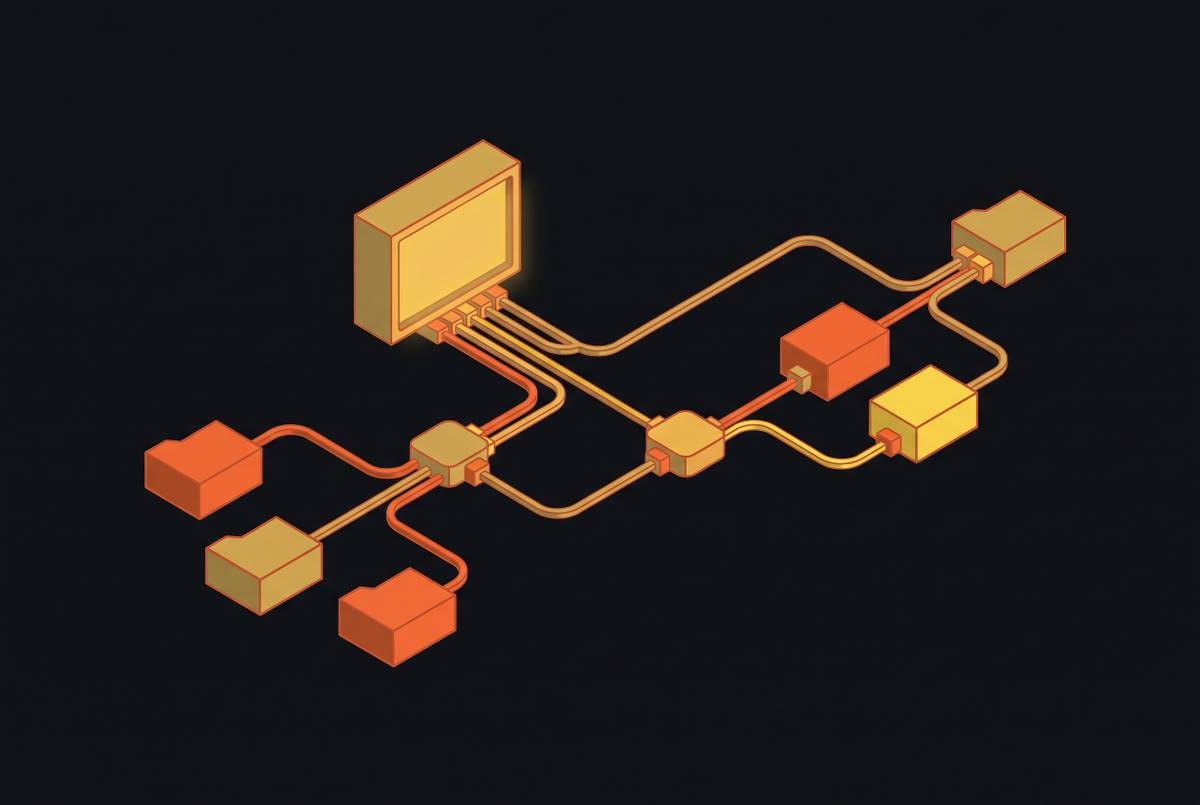
Real networking allows the browser to resolve DNS and follow redirects while maintaining the cookies needed for authenticated navigation. Loopback-only access cannot support those external workflows. Network availability and network isolation are separate concerns, so useful restriction means controlled egress with the network stack intact. Codex Cloud documentation describes an HTTP/HTTPS proxy through which outbound internet traffic passes, demonstrating how access and control can coexist.
With a full browser binary and Chrome DevTools Protocol access, the agent can control navigation and JavaScript execution, take screenshots, and use DOM inspection. The browser must actually be present and runnable. Pre-loading it avoids runtime installation failures and a major source of cold-start latency. Firecrawl Browser Sandbox comes pre-loaded with Playwright and Agent Browser, removing that installation step from the agent’s task.
With persistent session state, the browser can keep using cookies, local storage, and session tokens from one action to the next within a run. Authentication cannot restart at every browser step. Wiping state between actions forces repeated login attempts and adds both latency and failure risk to form completion or paginated extraction. Firecrawl supports named persistent profiles that save authentication and state when a session closes and reload them when a new session opens with the same profile name. Its temporary sessions instead provide clean browsers for one-off extracts.
Snapshot and restore provide checkpoints for long workflows, reducing the need to repeat completed work after interruption. Filesystem snapshots and memory snapshots preserve different kinds of state. Modal’s documentation describes filesystem snapshots, directory-level snapshots that separate project files from platform dependencies, and alpha memory snapshots for restoring in-memory state. For browser automation, directory snapshots can attach project-specific browser profiles to pre-warmed sandboxes, combining faster initialization with pre-authenticated state.
Tunneled external access makes a local development server or test application reachable through a controlled URL. Modal’s infrastructure documentation describes sandbox tunnels with connection tokens that authenticate access. In a verification workflow built around a tunnel URL, this capability connects the running application to browser testing and review evidence rather than leaving the service accessible only inside its execution environment.
Why self-verification — the agent testing its own work in a browser — requires all of these pieces together
The verification loop starts when the agent makes a code change and launches a local server inside the sandbox. It then drives the browser to the tunnel URL and navigates the rendered application. Through CDP, it inspects DOM state and screenshots to assess whether the change behaves correctly. If the application needs authentication, it must keep session state through those interactions. Only after verification does the agent commit the change and return a pull request.
The filesystem holds the implementation, networking supports the running service, and browser control makes the result observable. A tunnel gives this workflow a route into the sandbox, and snapshots give longer tasks a point to recover from. Not every uninterrupted check needs a restore operation, but recoverable verification depends on having that facility available. If a required link is missing, the agent either skips the check or returns work whose behavior it cannot confirm.
This changes the role of human review. The intended handoff is a merge decision supported by browser evidence, rather than a request for the engineer to begin debugging. Modal’s production case studies document Ramp using background coding agents to generate changes and write them back into commits and pull requests, illustrating the implementation-and-return portion of that loop. The Qwen-UI-Agent technical report describes online reinforcement learning on trajectories exceeding one hundred turns across large numbers of concurrent sandbox environments. That training use extends the same principle by allowing agents to learn from the results of their interactions.
Security as a constraint the sandbox architecture must solve alongside capability
An adversarial page can contain hidden instructions that redirect a browsing agent’s behavior. This is prompt injection through ordinary web content. A capable VM with unrestricted egress can then give the redirected agent routes to expose credentials or reach production systems. Removing networking avoids those routes only by also disabling the authenticated workflows the agent was deployed to perform.
The architectural response is layered containment around a fully capable browser environment. System-call controls limit what the browser process can do, while filesystem write restrictions constrain where unexpected execution can make changes. Modal’s security documentation describes gVisor isolation with additional guards against malicious system calls and a blast radius limited to the sandbox container. These controls address the execution boundary rather than relying on the agent to reject every malicious instruction.
Network policy must constrain the remaining reachable surface. An allowlist or HTTP/HTTPS proxy can let the browser reach the sites it needs while blocking unapproved destinations where exposed data could go. Setup secrets can also be removed before the agent processes untrusted content, reducing what is available to an injected instruction. That separation does not make authenticated browser state harmless, so session persistence still belongs inside the security boundary. Capability and containment must be configured together at the system, network, credential, and filesystem layers.
Scaling browser automation across parallel agent runs without shared state contamination
In a shared browser environment, agent A’s authenticated session can remain in a profile when agent B begins another task. Agent B may inherit stale credentials or overwrite agent A’s active session. The failure then spreads from one task to another even though neither asked to share state. Cached credentials, cookies, and browser profiles then carry state into tasks where it does harm.
Each run receives its own VM, browser instance, and filesystem, with state shared only through an explicit decision such as mounting a snapshot. A shared authenticated profile is therefore not simply a startup optimization, since it also defines which runs receive the same state.
Modal’s concurrency documentation states a platform capability of over one hundred thousand concurrent sandboxes. It also reports a further order-of-magnitude increase in concurrent sandbox creation on its next-generation backend in July 2026. The Qwen-UI-Agent report describes many isolated environments running in parallel for reinforcement-learning rollouts, which shows that this isolation model is used at scale as well as in single-run demonstrations. Startup latency becomes consequential at that scale. Pre-warmed pools, optimized container filesystems, and snapshot-based initialization reduce provisioning delays, while Modal’s cold-start documentation describes Memory Snapshots as a complementary option for initialization-heavy workloads.
What engineering teams should configure before delegating browser tasks to a coding agent
Internal teams working on their own applications can start with agent logic inside the sandbox, while platforms that need to protect proprietary agent logic should plan to run it outside. That decision establishes the credential-handling policy and the interface the sandbox must expose. For an external agent, the browser-control interface must remain stable across the task.
Next, pre-load the browser binary and its dependencies into the sandbox image or snapshot. Runtime installation adds latency and version inconsistency. Verify that Playwright or the chosen CDP client is compatible with the browser version in that image. This turns browser availability into an environment property rather than another task the agent must complete before useful work can begin.
Configure egress filtering before enabling web access. Outbound traffic should default to denied, with an explicit allowlist or proxy for the hosts the workflow legitimately requires. Inject setup secrets during setup and keep them absent during the browser phase. The goal is access to required services whose safety is enforced by network policy independently of the agent’s judgment.
Multi-step authenticated workflows need persistent sessions, while one-off extracts can use temporary sessions. Snapshot browser profiles at known-good authenticated states to avoid repeating login work on every run. Those profiles must be shared only when the workflow calls for it, with unrelated tasks kept from inheriting a common browser identity.
Finally, make each run attributable to its task, agent harness, model, and credential so that costs and failures can be traced. Tunnel URLs and session recordings let engineers inspect the agent’s browser work without repeating the entire workflow. A well-configured sandbox makes that evidence a routine output of delegated work, so engineers can trust the automation without constantly supervising it.